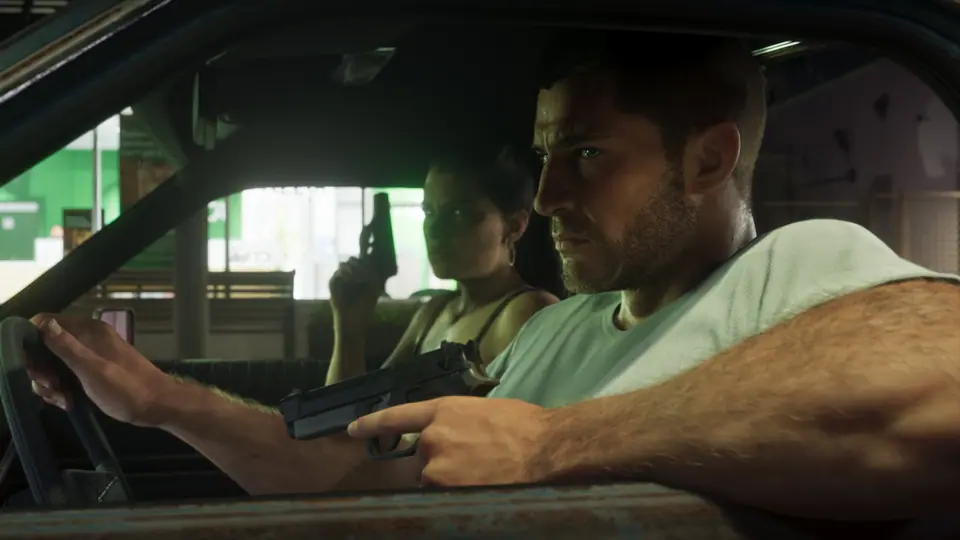
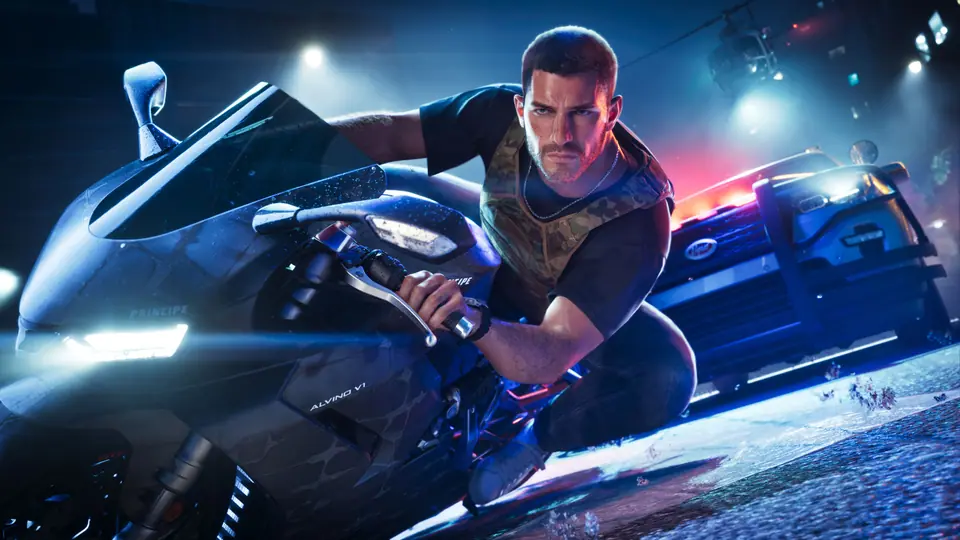
This checklist only uses confirmed information. Where something is unknown, we say so.
1. Confirm your platform
Grand Theft Auto VI launches on PlayStation 5 and Xbox Series X|S. No PC version has been announced.
2. Make room and pre-load
Digital pre-loading opened on November 10. Download sizes reported online vary a lot, so trust the number displayed by your console store. Leave extra space for a possible day-one patch.
3. Know what your edition includes
If you bought the Ultimate Edition or pre-ordered (Vintage Vice City Pack), the exact items will only be documented once the game is out. Don't rely on unverified lists.
4. Set up your companion
- Open LeoniHub on your phone or tablet and switch to Second Screen mode.
- Choose your spoiler level in Settings: No spoilers, Minor or Full.
- Star the regions you plan to visit first; they appear in your favorites everywhere.
5. During your first session
- Use the 100% tracker to tick regions and characters as you meet them.
- Spotted something interesting? Drop a personal marker on the map with a note — it stays on your device.
- Found something new? Submit it with proof from the Community page. Verified discoveries are credited.